
You know that FAQ section on your Paperbell site? The one where you answer questions like “How do I reschedule?” and “What happens if I need to cancel?”
Well, it just got a MAJOR upgrade! ✨
You can now format your FAQ answers with bold text, italics, bullet points, links, and more!
Why does this matter? Because let’s be honest—walls of plain text are kinda boring. And if potential clients are reading your FAQs (which they definitely are!), you want those answers to be as clear and engaging as possible.
Here’s what you can do now:
- Bold important policies so they don’t get missed
- Add clickable links to your booking page or helpful resources
- Use bullet points to break down steps or options
- Italicize key phrases for emphasis
- Make your answers WAY easier to scan
Some FAQ ideas to get you started:
Not sure what to put in your FAQs? Here are a few questions coaches often answer:
- “What’s your cancellation policy?”
- “How do I reschedule an appointment?” (Link directly to PaperbellClient.com!)
- “What happens in our first session together?”
- “Do you offer payment plans?” (Perfect place to link to specific packages!)
- “What if I need to take a break from coaching?”
The cool thing is, you can now make these answers super clear and professional-looking without having to code anything or fight with complicated formatting tools.
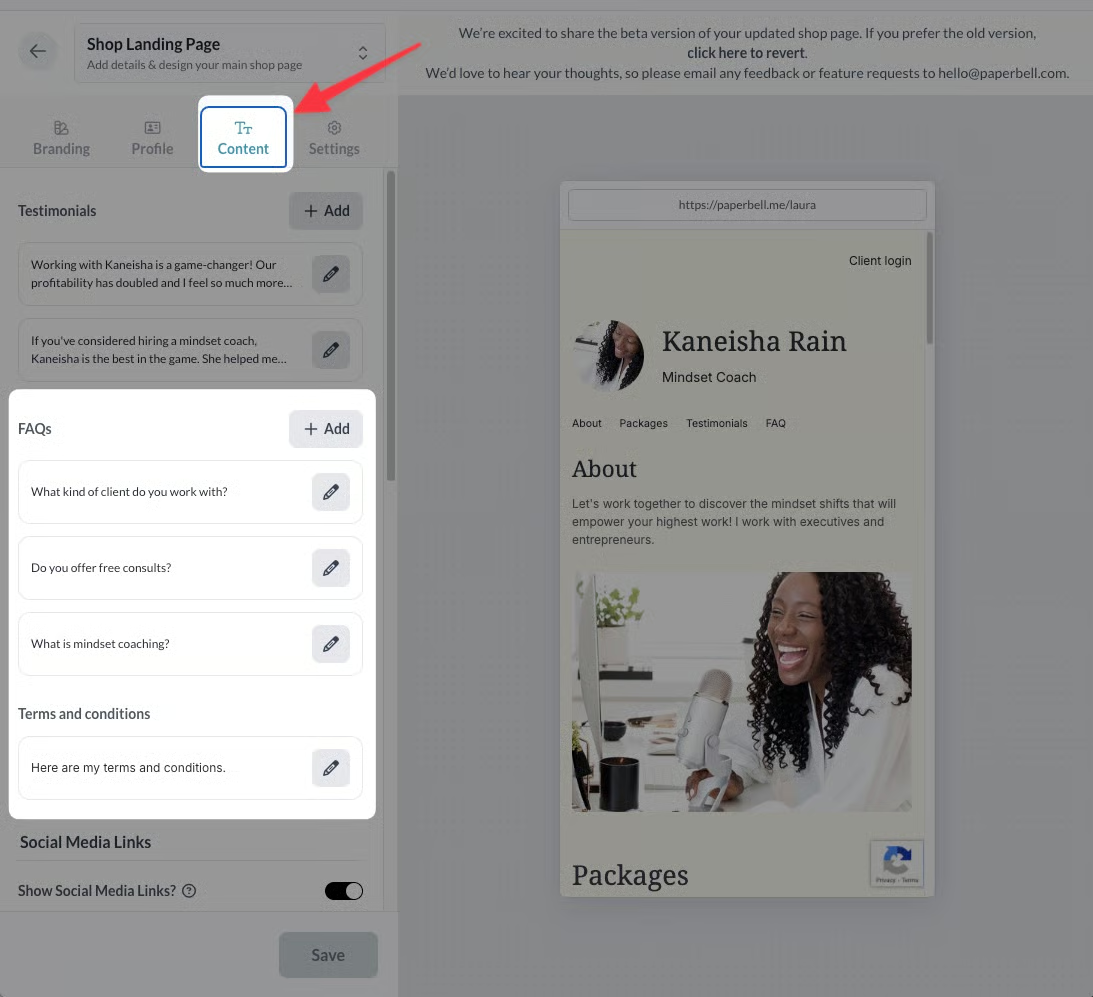
Ready to jazz up your FAQs?Just head to your site settings, click on the “Content” tab, scroll down to FAQs, and start formatting! Here’s our guide with all the details.
And hey, if you haven’t added FAQs to your site yet, this is a perfect time to start! Even just 3-4 well-written FAQs can make a huge difference in helping potential clients feel confident about working with you.