
Your clients have rescheduling links in the email and calendar appointment notifications they receive from Paperbell.
Clients log in at the Client Portal, https://PaperbellClient.com/ to modify or cancel their appointments.
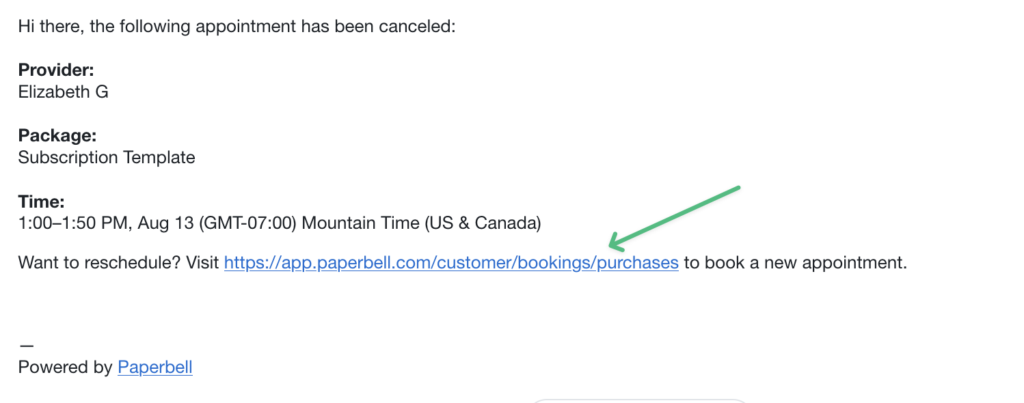
When a client deletes an appointment, they receive a confirmation email for the cancellation, with a link to reschedule that appointment from the Client Portal.
Your “Minimum notice” scheduling setting determines how far in advance clients can schedule their sessions.
Clients can cancel or reschedule their sessions up to 24 hours before the scheduled meeting time. After that, they’ll need to contact you for changes.
If you would like to book for your client, you can do so by clicking “Book appointment” on your Appointments page.