
Need to generate a client coaching log for your International Coaching Federation ACC, MCC or PCC application? The Paperbell ICF coaching log has you covered!
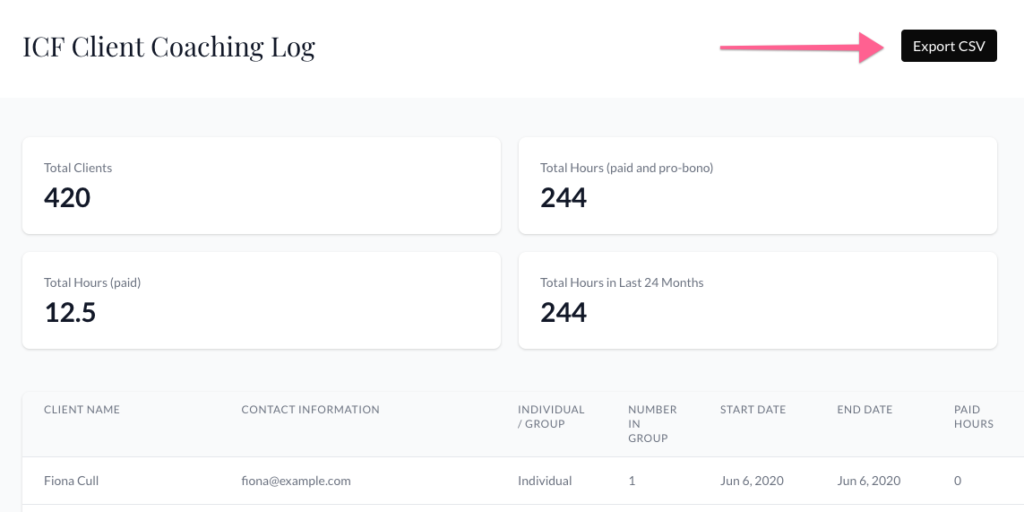
We automatically generate a log of every paid and pro-bono hour spent coaching clients.
To access your automatically generated CSV report, click on your icon on the top-right side of Paperbell then click “ICF Client Coaching Log.”
Download Your Paperbell ICF Coaching Log
Go to your ICF Client Coaching Log and click the “Export CSV” button. This will automatically start a download of your entire client history of coaching hours from Paperbell.
Can I add my existing ICF hours to this log?
There’s not a way to add non-Paperbell logged hours to your log in Paperbell, but you can export (see above!) this log and then add any additional hours to the file manually. 🙂
To learn more about managing your coaching sessions, see our guide to Paperbell Appointments.